Introduction
This must-have is a module that has what it takes to take care of such tasks effectively and efficiently. The PrimeTool X 8.7 update confers on the platform the benefits of faster CPU computation, enhanced compatibility with the recent Android versions, and a high success rate of the modern security patches.
Description
In version 8.7, improvised scripts allow a better alignment of the system with the reviewed Android security patches. Live logs provide the technicians with a step-by-step guide, track every task in real time, and fix the problem fast. The only means of satisfying every user in this age is by creating lightweight apps.
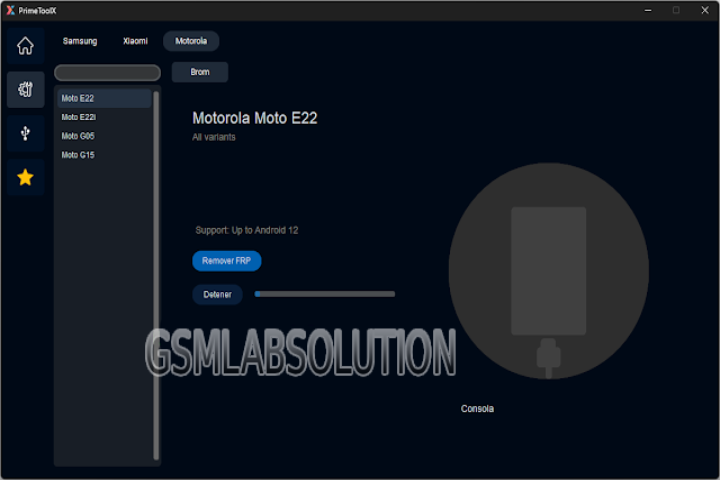
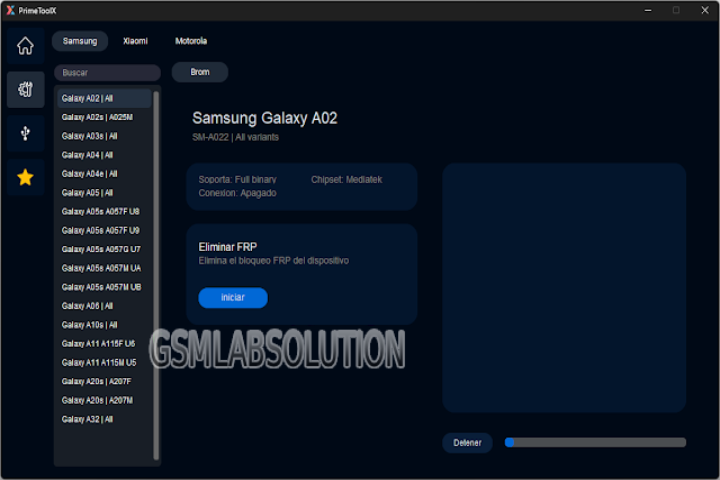
Key Features of PrimeTool X 8.7
✔ FRP Lock Removal
The option is created to disable Google Factory Reset Protection developed on the most cutting-edge Android devices.
✔ Screen Lock Unlocking
Remove the lock form, as well as the password and its PIN—without the need to flash the firmware—as model-dependent.
✔ ADB & Fastboot Functions
An array of operations, which encompasses taking off, rebooting, and device capability, can be done with the ticking of just one option.
✔ Wide Brand Support
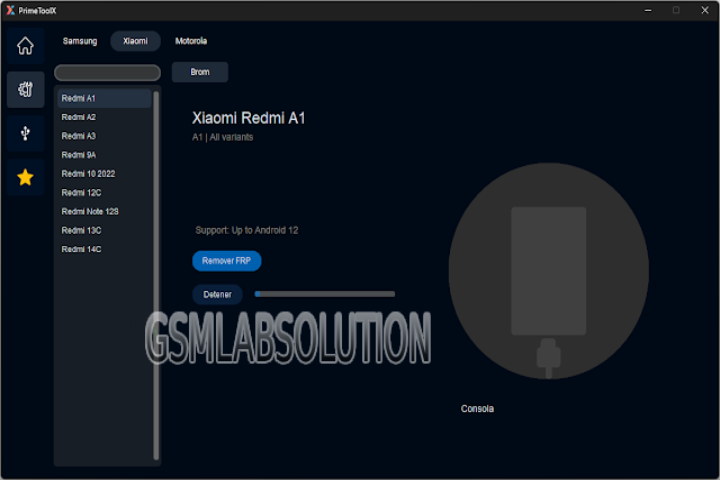
Devices such as Samsung, Xiaomi, Oppo, Vivo, Realme, Tecno, Infinis, and Huawei, among others, are supported.
✔ Automatic Device Detection
The program is squarely based on detecting the device model, chipset, and connection mode automatically.
✔ Boot loop & Logo Fix
This program is manifested by repairing attendant spoils with software such as a boot loop and a stuck-on-logo one.
✔ Factory Reset & Wipe Options
By pressing a few buttons on your computer directly from the PrimeTool X interface, this option ensures that hard resets and wipes are done without a hassle.
✔ One-Click Operations
You will not waste your time on features, each of which operates with just a couple of clicks.
✔ Live Log Monitoring
With a double click, you get to the Logs window to track the progress and eventually diagnose the errors.
How to Install PrimeTool X 8.7
1. Download the Tool
You can download PrimeTool X 8.7 from the manufacturer’s official website.
2. Extract the Files
Simply open the downloaded tool with one of the archives like WinRAR or 7-Zip.
3. Install Required Drivers
There are some drivers that will be mandatory, for example, USB, ADB, Fastboot, Qualcomm, and MediaTek, among others, on a Windows PC (less known).
4. Disable Antivirus Temporarily
There are times when antivirus false positives detect GSM tools.
5. Run the Tool
After extracting the files, open the folder, browse to the PrimeTool X.exe, right-click, and then run the program as administrator.
6. Connect the Android Device
Use a healthy USB port to bridge the connection between the device and the computer.
7. Start the Process
Click Start to initiate the process and wait until it is done.
8. Reboot and Confirm
The device navigation will reboot, and the input will do something.
Download Link: HERE
Your File Password: 123
File Version & Size: | 169.42 MB || V 8.7 |
File type: compressed / Zip & RAR (Use 7zip or WINRAR to unzip File)
Support OS: All Windows (32-64 bit)
Virus Status: 100% Safe Scanned By Avast Antivirus