Introduction
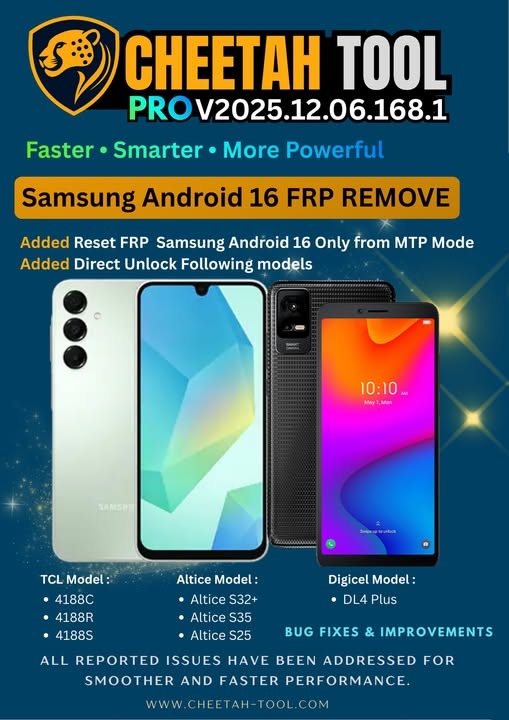
CHEETAH TOOL PRO V2025.12.06 The Cheetah Pro tool has taken another leap, and that includes the experts who use it every day, GSM repair shops, and repair software developers.
The software aims for precision with tools designed for utmost accuracy.
Description
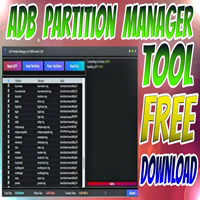
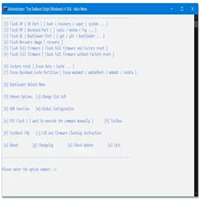
This software helps in ADB, Fastboot, Recovery, Sideload, and chipset-level communication for both MediaTek and Qualcomm devices.
The developers have focused on performance, reducing command delays, optimizing device detection, and fixing bugs seen in earlier versions.
Key Features of CHEETAH TOOL PRO V2025.12.06.168.1
✓ 1. Updated FRP Bypass for 2024–2025 Devices
One-click FRP reset
Samsung, Xiaomi, Vivo, Oppo, Realme, Motorola, etc.
Updated algorithms for new security patches
✓ 2. Advanced ADB Tools
Read full device info
Remove pattern/PIN/password (ADB Mode)
Enable/Disable applications
Reboot to Recovery/Bootloader/EDL
✓ 3. Fastboot Mode Operations
Bootloader unlock/relock
Format/Erase user data
Flash Fastboot partitions
Verify Fastboot connectivity
✓ 4. Samsung Exclusive Features
Samsung FRP (Latest One UI support)
Samsung Factory Reset
ADB Enable features
Emergency Mode repair
✓ 5. Xiaomi / HyperOS Tools
My account is disabled (ADB/Fastboot)
Xiaomi Fastboot reset
Full compatibility with HyperOS devices
✓ 6. MediaTek (MTK) Chipset Functions
Authentication bypass
Factory/FRP reset
Partition backup & restore
Bootloader operations
✓ 7. Qualcomm (EDL) Utilities
EDL mode functions
Partition flash/read
Factory reset via EDL
Improved device recognition
✓ 8. Recovery & Sideload Features
Flash OTA files
Install update packages
Wipe cache/data
✓ 9. Lightweight & Runs on Any Windows
Works perfectly on Windows 7, 8, 10, and 11 without high system requirements.
How to Install CHEETAH TOOL PRO V2025.12.06.168.1
Step 1: Download the Tool
Step 2: Extract the ZIP File
Step 3: Disable Antivirus (Temporary)
Step 4: Run the EXE File
As normal, most editions can be used and do not need to be installed.
Step 5: Install Required Drivers
Install the following app types: ADB Drivers, MTK VCOM Drivers, Qualcomm USB Drivers, and Samsung USB Drivers.
Step 6: Connect Your Device
Step 7: Start Servicing
Pick the service you want—FRP, ADB, Fastboot, MTK, Qualcomm, or Samsung tools—and then follow the screen guides.
Download Link: HERE
Your File Password: 123
File Version & Size: | 109.24 MB || V2025.12.06.168.1 |
File type: compressed/zip & RAR (use 7zip or WINRAR to unzip the file).
Support OS: All Windows (32-64 Bit)
Virus Status: 100% Safe Scanned By Avast Antivirus